
Deployment Guide
Quick Setup Guide: 1-Click Payroll Automation System
Thank you for choosing our advanced payroll management solution. Please follow these simple steps to deploy and activate your system instantly:
Extract the Complete Package
Download the full package and extract (unzip) the .zip folder onto your computer.
Retrieve Your Access Credentials
Open the Notepad / Text file first. Inside, you will find your secure pre-configured Username and Password.
Launch the Automation Program
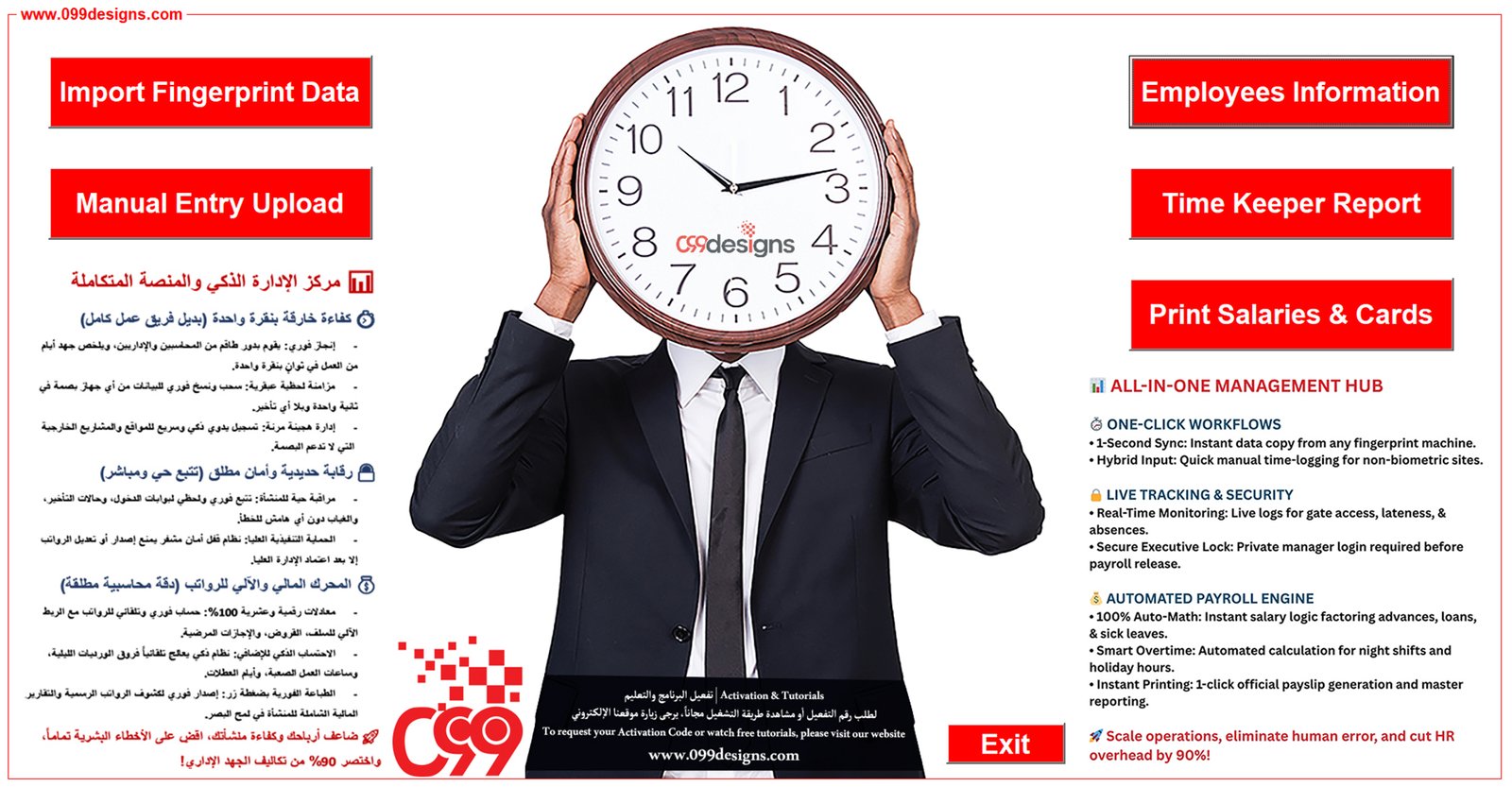
Open the smart Excel Application file. Enter your credentials when prompted to instantly unlock your dashboard.
Important Notice: Trial & System Activation
Full-Feature Trial Period: Your download includes a complimentary 5-minute trial with unrestricted access to all automated features.
Annual Activation: Upon expiration of the 5-minute trial, the program will lock and require a unique Serial Security Key for annual activation.
Requesting Your License Key: To purchase your official annual license or request an activation key, please click the instant support button below to chat with our team via WhatsApp.
 Contact Us via WhatsApp for Activation Key
Our dedicated technical support team is available 24/7. We guarantee an instant response and will guide you step-by-step until the system is 100% operational on your device.


